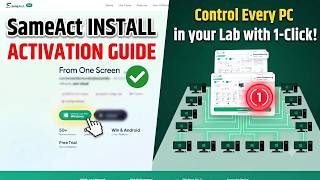
Control Every PC
in Your Lab โ€”
From One Screen.

SameAct turns your master PC into a action centre. Broadcast actions, Shutdown, File Send, Software Install and run bulk actions across every connected device simultaneously โ€” all over your local network, zero cloud.

๐Ÿซ MSCIT & CCC Centres ๐Ÿ›๏ธ School & College Labs ๐Ÿ–ฅ๏ธ IT Admins ๐Ÿข Training Institutes
50+ Remote Actions
LAN Only Zero Cloud Upload
Win & Android Cross-Platform
Free Trial No Card Needed
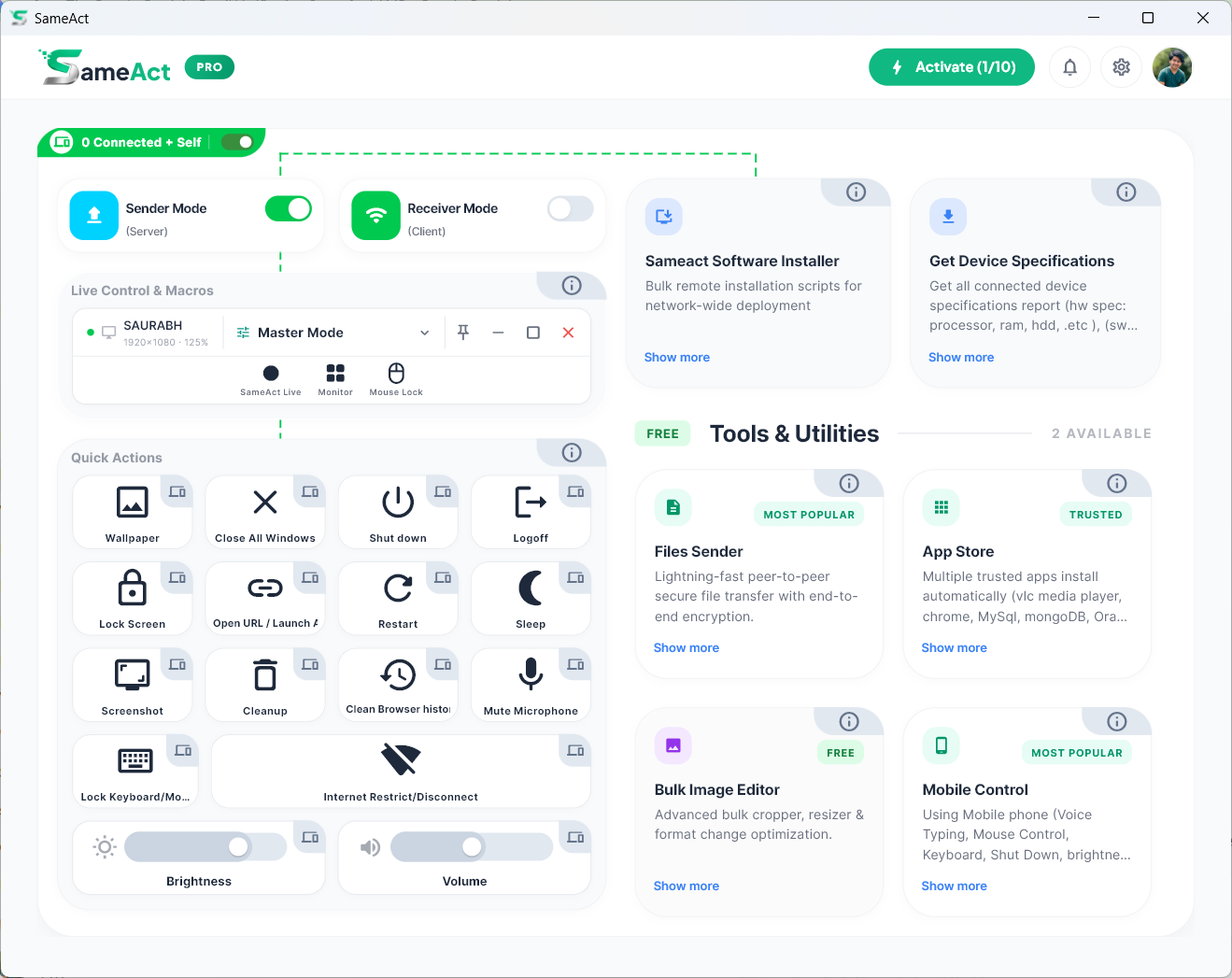
SameAct Dashboard โ€” remote control panel showing connected PCs, action buttons, and live monitoring
12 PCs Connected Lab โ€” Sender Mode Active
Macro Broadcasting All clients in sync
Live Monitor Screen grid โ€” 8 feeds
๐Ÿ”’
100% Local NetworkNo data sent to cloud
โšก
High PerformanceUltra-fast screen streaming
๐ŸชŸ
Windows 10 / 11Native desktop app
๐Ÿ›ก๏ธ
Secure by DesignLAN-only, encrypted

Built for Computer Labs, Institutes & IT Teams

Whether you manage 5 PCs or 50, SameAct saves hours of manual work every single day.

๐Ÿซ

MSCIT & CCC Computer Centres

Run the same exam simulation or practice task on every student's PC simultaneously. No need to walk desk-to-desk โ€” broadcast from your instructor seat.

  • โœ”Replay recorded practice sessions on all PCs at once
  • โœ”Automate mock-test workflows across all PCs from your desk
  • โœ”PC cleanup & clear browser history across all PCs
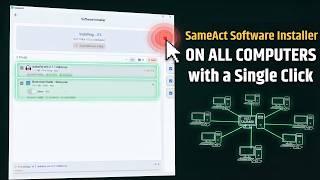
  • โœ”Remotely install software on multiple devices
  • โœ”Shutdown all student PCs in one click at batch end
๐Ÿ›๏ธ

School & College Computer Labs

Teachers demonstrate on the main PC โ€” students follow along on theirs, live. Monitor every screen in a CCTV grid without leaving your desk.

  • โœ”Live screen broadcast: teacher PC โ†’ all student PCs
  • โœ”Watch all student screens in real-time grid
  • โœ”Remotely install software on multiple devices
  • โœ”Open the same website / app on every PC remotely
  • โœ”Shutdown all student PCs in one click at practical end
๐Ÿ–ฅ๏ธ

IT Admins & Network Managers

Manage your entire fleet from a single dashboard. Deploy software, restrict internet, and monitor hardware health โ€” all remotely.

  • โœ”Remotely install software on multiple devices (MySQL, Java, Python, VS Code, etc.)
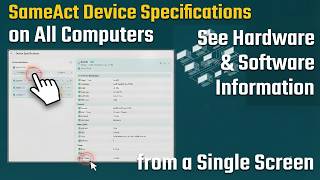
  • โœ”Get all devices' hardware & software specs (CPU, RAM, Storage, OS, installed apps, etc.)
  • โœ”Bulk shutdown / restart / sleep all machines
  • โœ”Clear temp files & browser cache across all PCs
๐Ÿข

Corporate & Coaching Training Centres

Automate repetitive tasks in timed mock-test environments. Control student access, monitor progress screens live, and manage the lab without extra staff.

  • โœ”Automate mock-test workflows across all PCs
  • โœ”Restrict internet during exam windows
  • โœ”Bulk shutdown / restart / sleep all machines
  • โœ”Identify & spotlight any student's screen instantly

Everything You Need to Run Your Network

From macro automation to live screen monitoring โ€” SameAct packs every tool an IT admin or lab manager needs into one powerful desktop app.

๐ŸŽฎ

Action Automation (Macros)

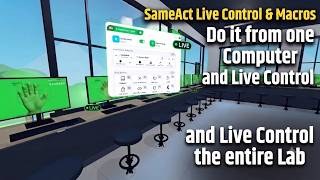
Record mouse and keyboard actions, save them as sessions, and broadcast them to multiple PCs simultaneously with one click.

๐Ÿ“บ

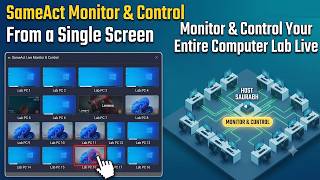
Live Monitor (CCTV Grid)

Real-time screen viewing grid that shows all connected screens at once โ€” no external software needed.

๐Ÿ“ฆ

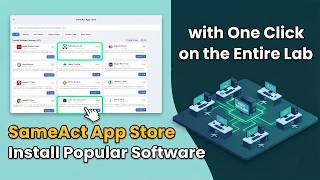
Bulk Software Installer & App Store

Remotely install softwares across multiple target PCs simultaneously. Run silent setup files or launch tools from the local app store.

๐Ÿ“

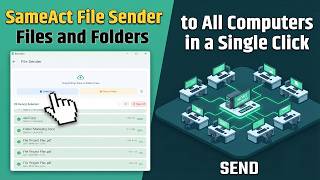
File Sender

Send files, folders, or installers to all connected client computers or specific devices instantly over the high-speed local network.

๐Ÿงน

One-Click PC Maintenance

Remotely cleanup PCs, clear browser history, and wipe cache across Chrome, Edge, and Firefox on all connected devices.

๐Ÿ”

Security Controls

Lock remote keyboards and mice, lock the Windows screen, and restrict internet access โ€” all remotely.

โš™๏ธ

Bulk System Actions

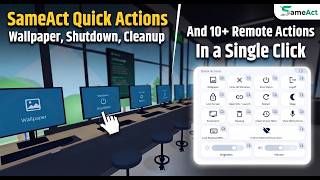
Remotely shut down, restart, sleep, or log off every connected PC at once. Also adjust volume and screen brightness remotely.

๐Ÿš€

App & URL Launcher

Remotely open websites or launch installed apps on any or all connected devices simultaneously.

Get Started in 3 Simple Steps

SameAct works over your local network โ€” no internet connection required.

1

Install on All PCs

Download and install SameAct on your Master PC (Sender) and all target devices (Receivers) on the same local network.

2

Connect & Pair

Enable Sender Mode on your Master PC. Other devices will automatically discover and connect. Just click approve to pair them instantly.

3

Control Everything

From the dashboard, broadcast macros, monitor screens live, run system Actions, and manage every PC on your network instantly.

Frequently Asked Questions

Step 1: Install SameAct on both the Master PC and all Receiver PCs.

Step 2: On the Master PC, open SameAct and enable Sender Mode (Server) using the toggle on the dashboard.

Step 3: On each Receiver PC, enable Receiver Mode (Client). The Receiver will auto-discover the Sender on the local network via broadcast.

Step 4: Accept the connection invitation on the Sender dashboard. The device will appear in the "Connected" list.
Action Automation lets you record repetitive keyboard and mouse tasks on your Master PC and broadcast them to all connected PCs with a single click. It behaves as if you are working on every computer at the exact same time.
The Live Monitor is a real-time screen viewing panel that shows live video feeds from all connected Receiver PCs in a grid layout โ€” similar to a CCTV system.

It streams high-quality, real-time screens directly over your local network. Zero screen data is ever uploaded to the cloud or external servers, keeping your lab completely secure.
From the Sender dashboard, click any cleanup button to instantly run that task on all connected Receivers:

โ€ข Empty Recycle Bin โ€” Clears the Bin on all remote PCs
โ€ข Clear Temp Folders โ€” Deletes temporary system files
โ€ข Clean Browser History โ€” Wipes history, cache, and cookies from Chrome, Edge, and Firefox
Activation is fully automatic! After purchasing a plan, simply log in to your desktop app and your device activates instantly. You can easily manage your active machines directly from the header's "Active Devices" dashboard โ€” see all connected PCs, select them using checkboxes, and activate them with a single click up to your plan's device limit (e.g. 10 devices).
No. SameAct is a 100% local-network tool. All screen streaming, macro data, and control signals stay entirely within your office or lab network. Nothing is uploaded to any cloud service or external server. See our Privacy Policy for the full details.

Still Need Help?

Our support team typically responds within 24 hours.

๐Ÿ’ฌ Live Support Center

Ready to Take Control of Your Network?

Start your 2-day free trial โ€” no credit card required. Full access to every Pro feature.

โฌ‡ Download Free Trial View Pricing